
How to share wedding photos with every guest (without a WhatsApp group)
A simple way to get every guest their own wedding photos: one gallery, a QR code at the venue and a selfie search, with nothing to install.
Read articlePhotography
How to send photos straight from your camera to an online gallery during an event using FTP transfer, and what to check before the shoot.

The usual event workflow has a gap in the middle. You shoot, then you pull the card, copy it to a laptop, pick photos and upload them. Guests and clients wait until that is done, often until the next day.
Camera to cloud removes the gap. The camera uploads each photo to the event gallery by itself, and people see the pictures while the event is still going.
Many Sony, Canon and Nikon cameras have FTP transfer built in. ShareXtra gives you the server details for your gallery. You enter them in the camera once, turn on automatic transfer, and keep shooting. Each photo is sent as you take it.
There is no card reader and no laptop at the venue.
Do this the day before, not at the venue.
The camera needs an internet connection. That can be the venue Wi-Fi or a phone hotspot. If your camera has no Wi-Fi, you can use the USB cable option; ShareXtra shows the steps when you choose it during setup.
Encrypted transfer is available on cameras that offer it.
Cameras with FTP transfer from Sony, Canon and Nikon have a guided setup. Other cameras with an FTP option can use the generic settings.
Keep reading
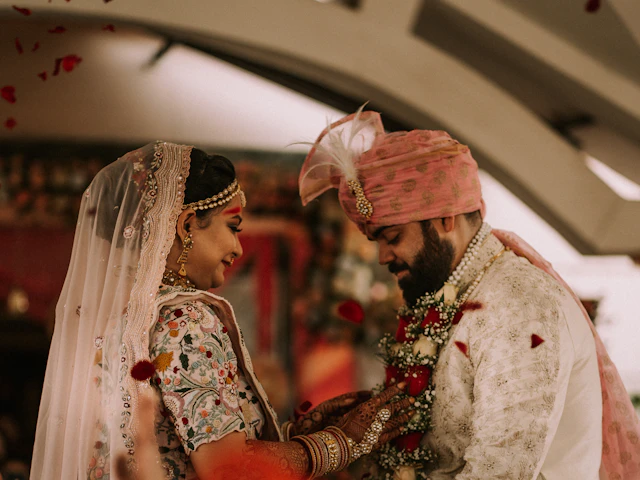 Weddings
A simple way to get every guest their own wedding photos: one gallery, a QR code at the venue and a selfie search, with nothing to install.
Read article File sharing
Email attachments stop at a few megabytes. Here is how to send full-resolution photos, videos and whole folders with one link, a password and an expiry date.
Read articleCreate a free account and send your first gallery today. The free plan needs no card.