












Photography

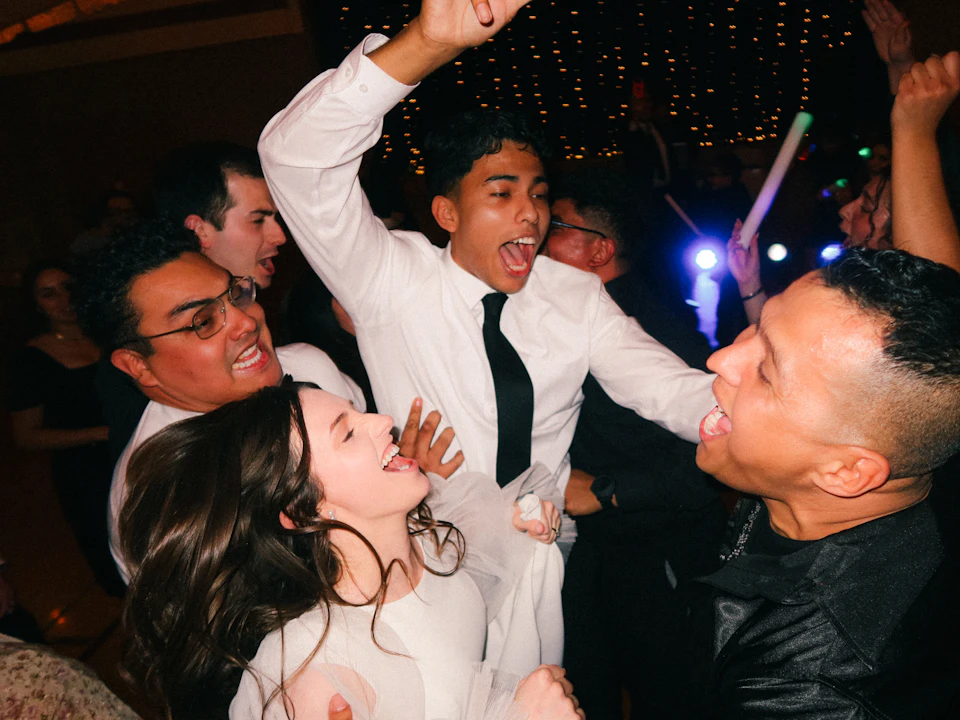
Every guest gets their photos before the event ends.

For weddings of every tradition, and for conferences, offsites and college fests. Photos reach a branded gallery while the event is on, and each guest finds their own with a selfie.

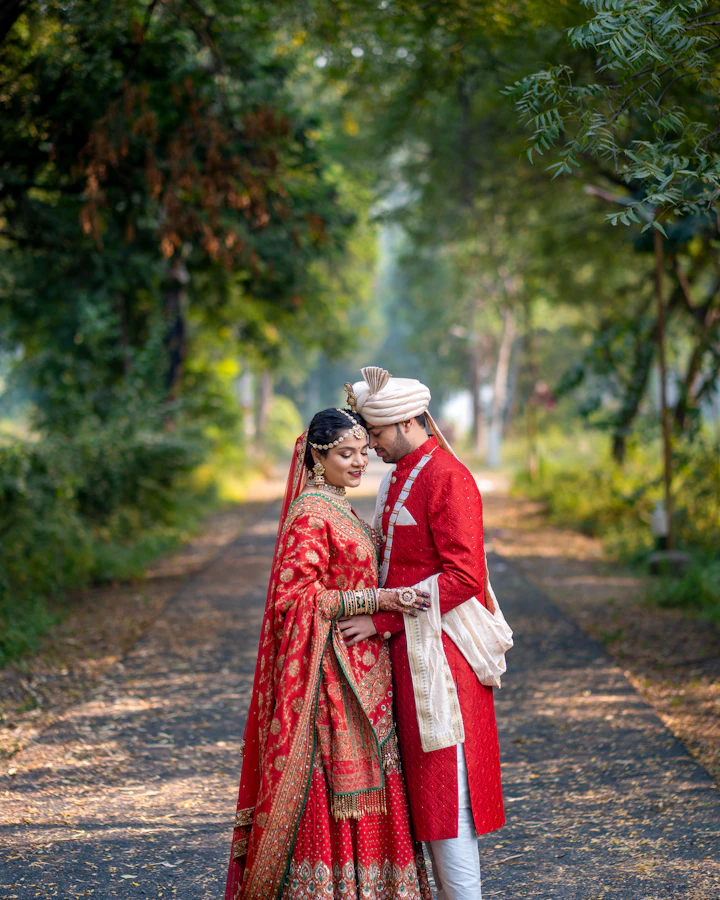
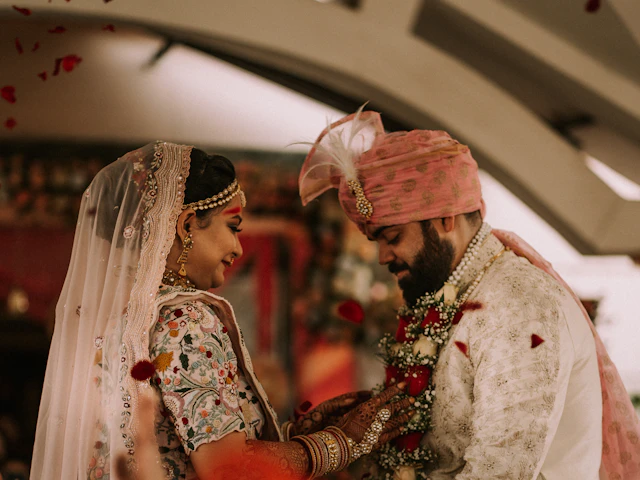
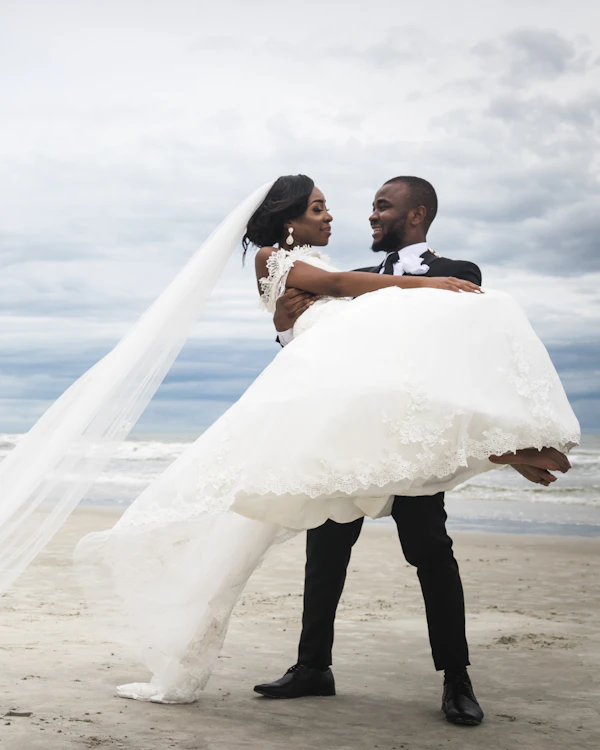
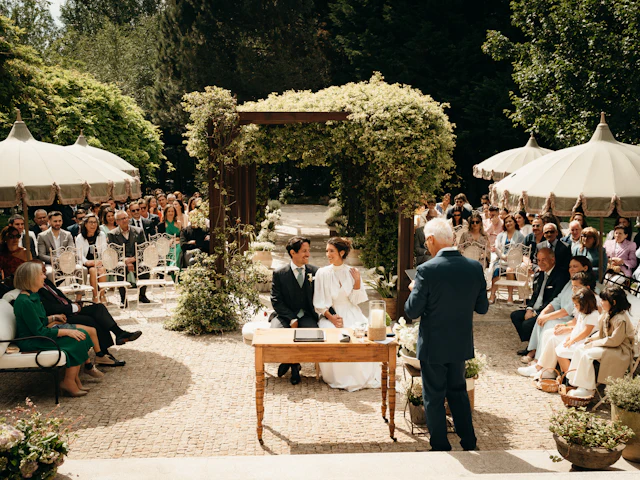
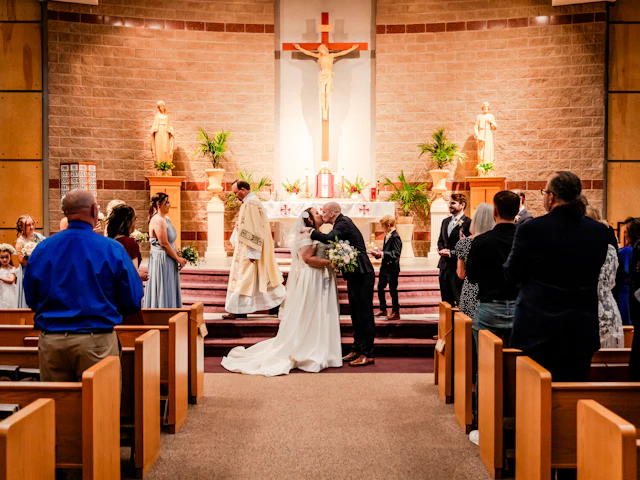
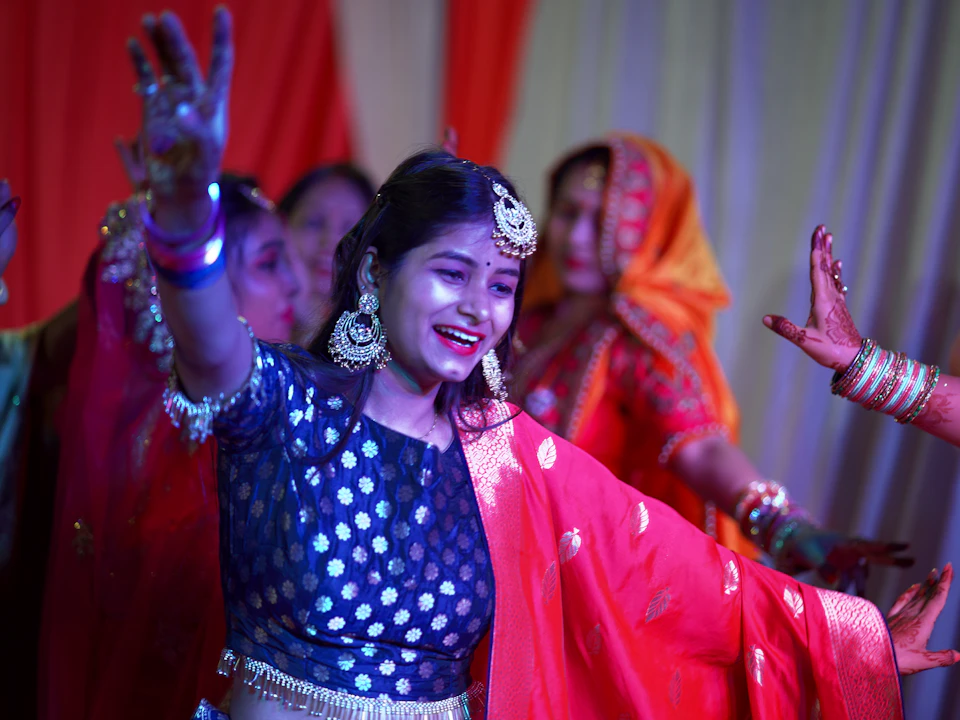
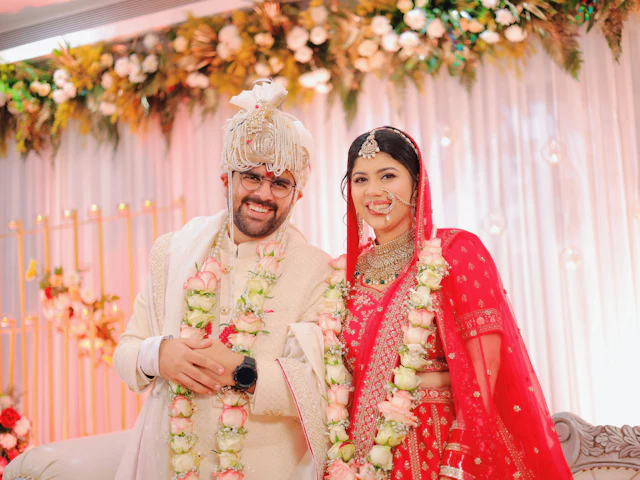
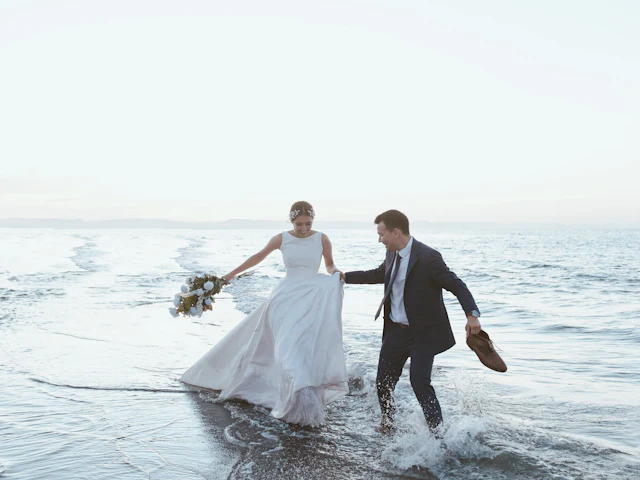
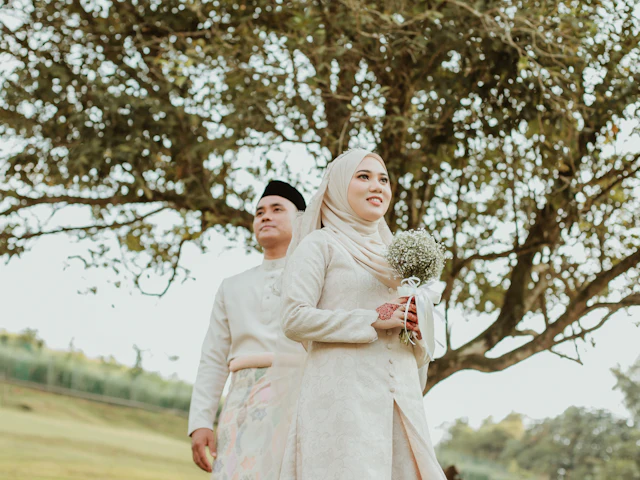
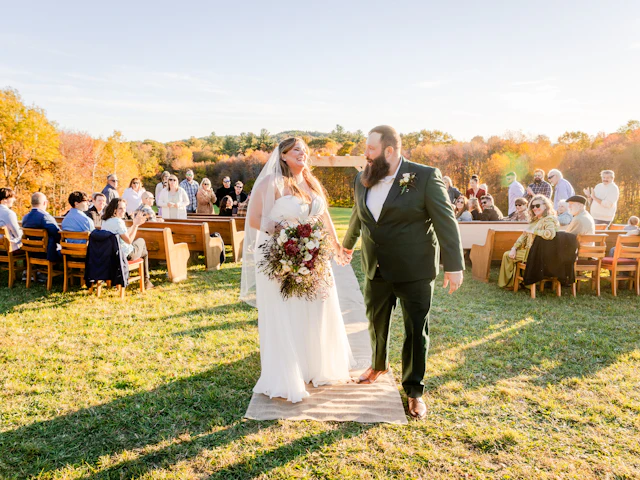
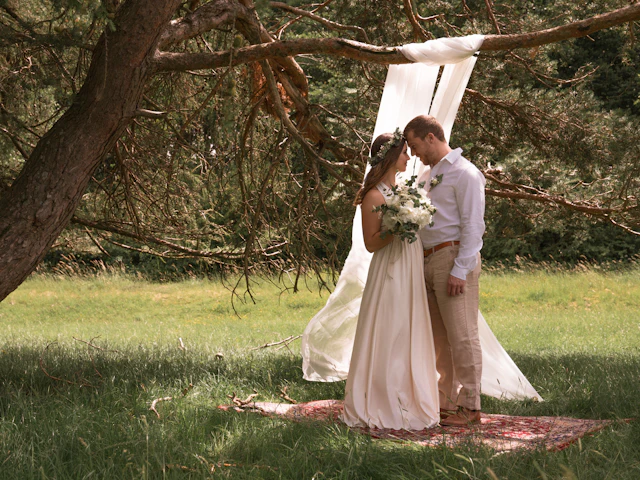
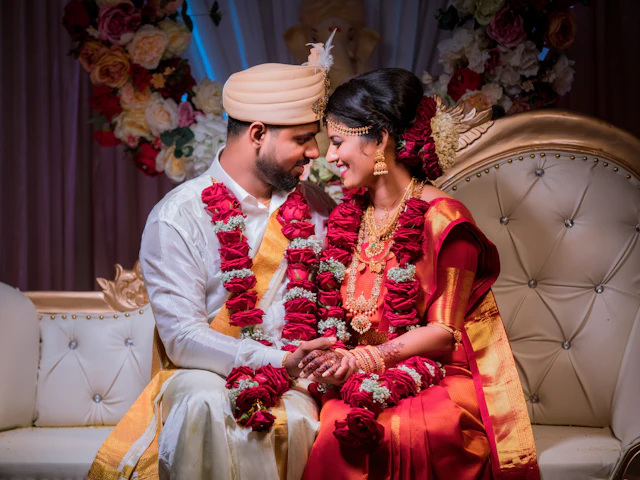
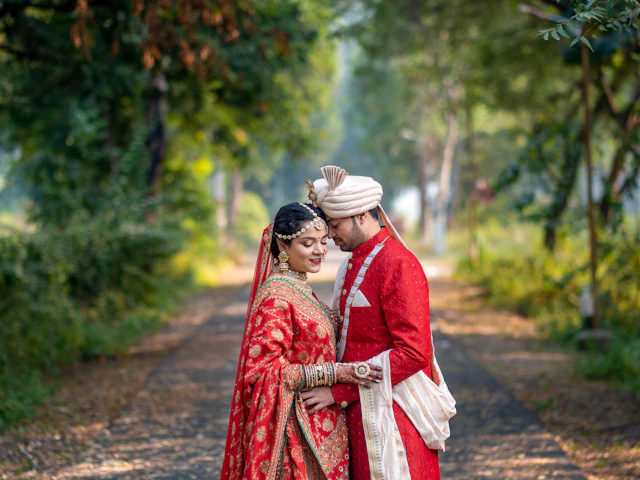
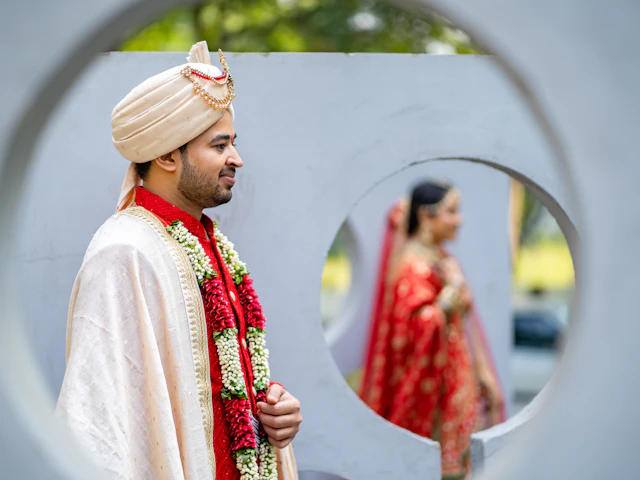
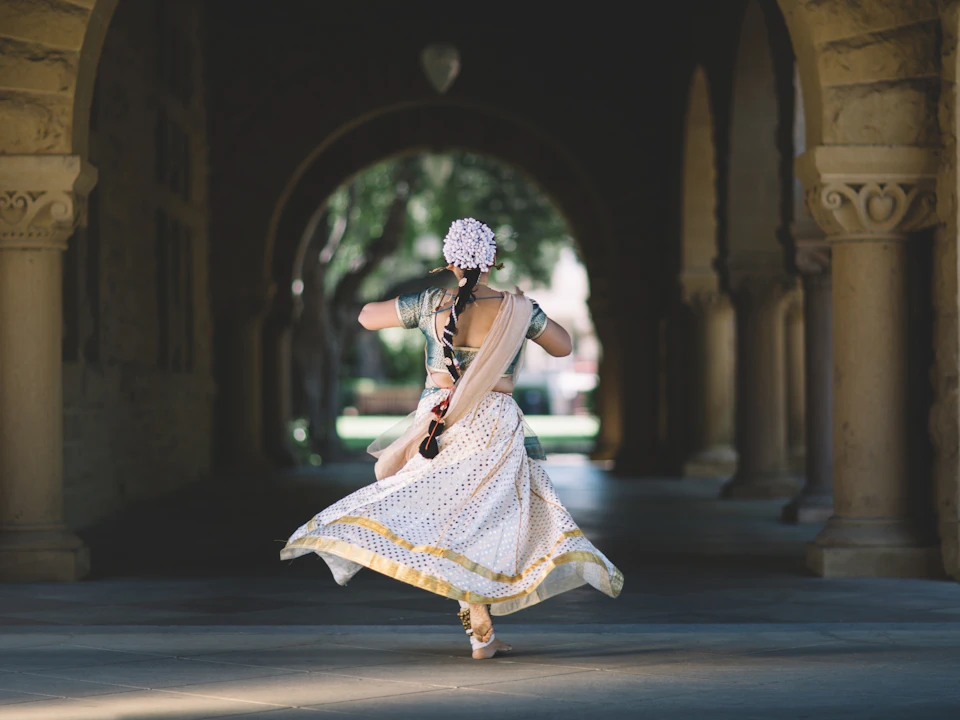
Any wedding, anywhere

Shaadi, nikah, church or beach. One gallery for all of them.

How the day flows

From the shutter to the invoice, on one line.

Four tools, one gallery and one login. Here is how they work together on a wedding day.

  1. Step 01The camera shoots

    The photographer works as usual on a Sony, Canon or Nikon.

  2. Step 02Photos upload live

    Each shot goes up over FTP, or by USB cable for cameras without Wi-Fi.

  3. Step 03The gallery updates

    New photos land in the branded event gallery while the event is on.

  4. Step 04A guest scans the QR

    The QR code at the venue opens the gallery in the phone browser. No app.

  5. Step 05They take a selfie

    Right there in the browser, from the same page.

  6. Step 06They find their photos

    Only the photos they are in, ready to download.

  7. Step 07The client picks favourites

    The couple hearts photos on a selection link and submits the list.

  8. Step 08The studio sends the invoice

    Raise it in the Studio CRM, with a PDF, next to the gallery.

The tools

Four tools for photos and events.

Use one or all of them. They share the same gallery and the same login.

Photo Galleries & Proofing01 / 04

A gallery people enjoy opening.

Turn a folder of photos into a gallery with your logo and colours. Viewers heart the ones they want and you get the list back.

  1. 1Your logo, colours and domain on every gallery
  2. 2Your watermark on previews until you release the files
  3. 3Password and expiry date on any link
Explore Photo Galleries & Proofing

Camera to Cloud03 / 04

Photos reach the gallery while the event is on.

Whoever is shooting connects their camera once. Every shot uploads to the event gallery on its own.

  1. 1Sony, Canon and Nikon
  2. 2A setup guide for each camera brand
  3. 3A USB cable option for cameras without Wi-Fi
Explore Camera to Cloud

Studio CRM04 / 04

For photo studios: bookings and delivery in one place.

Track each enquiry, send a quote the client can accept online, plan the shoot days and raise the invoice.

  1. 1Leads, projects and a shoot calendar
  2. 2Branded quotes and invoices with a share link
  3. 3Income and pending payments at a glance
Explore Studio CRM

The full toolkit

Everything for photographers, in one account.

37
photography features
4
tools, one login
3
camera brands with a setup guide
0
apps for guests to install
8 features

Gallery design

Make the page look like your studio.

  • Ready-made looks, including premium ones
  • Cover from built-in covers or your own photo
  • Full-screen cover option
  • Your choice of fonts
  • Your logo on the page
  • Photo display and spacing options
  • Tabs for sections of the gallery
  • Live preview while you edit
5 features

Proofing & picks

Get the album selection without the chat thread.

  • Client selection link
  • PIN on the selection link
  • Clients heart photos and submit
  • See each client’s picks in the folder
  • Download only the picked photos
6 features

Delivery

Hand over the photos properly.

  • Download bar for visitors
  • Full-screen viewer
  • Password and expiry date
  • Your own domain
  • QR code for every gallery
  • Photos, videos and documents together
4 features

Protection

Stay in control of your work.

  • Account watermark
  • Apply the watermark to photos already uploaded
  • Watermark shown in the viewer
  • Switch any link off
5 features

Live events

Photos reach guests while the event is on.

  • Camera upload over FTP
  • Guides for Sony, Canon and Nikon
  • USB cable option
  • Selfie face search for guests
  • QR code at the venue
9 features

Studio CRM

Bookings next to delivery.

  • Leads
  • Projects and deliverables
  • Shoot schedule and crew workload
  • Quotes from proposal templates
  • Client accepts online
  • Invoices with PDF
  • Finances
  • Packages and services
  • Your branding on quotes and invoices

Made for

Every kind of event you shoot.

A bride and groom on a decorated stage01
WeddingsEvery tradition, every ritual
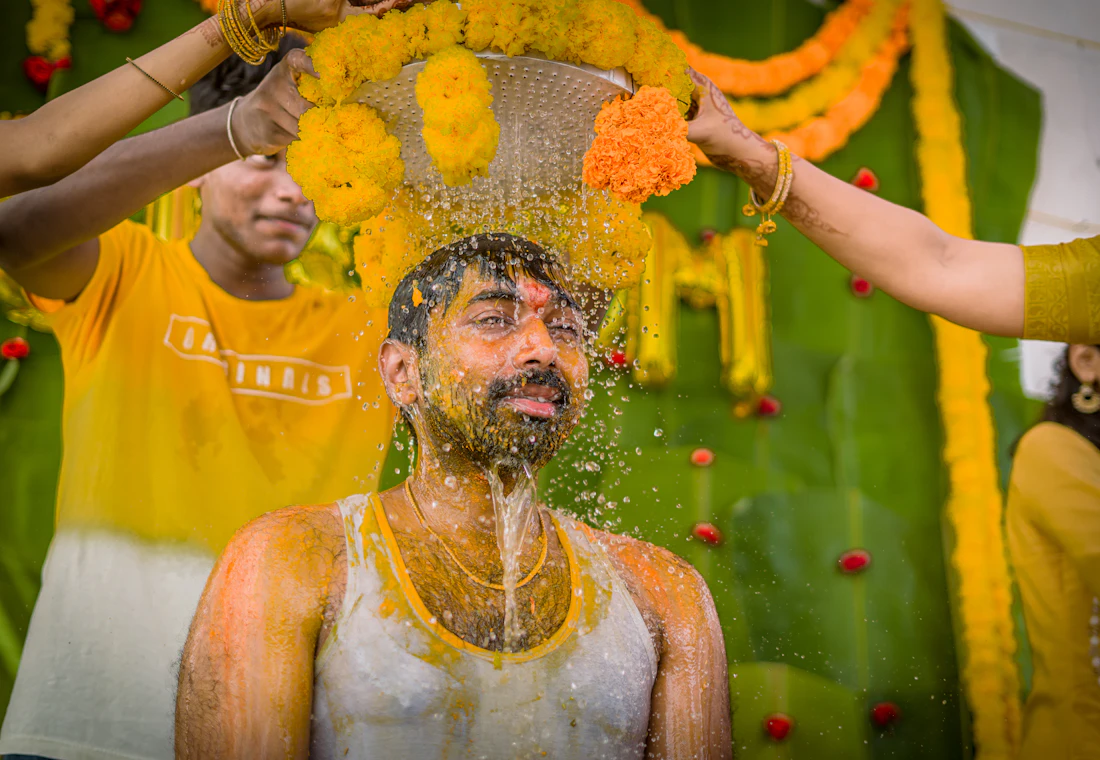
A groom covered in haldi, laughing02
Haldi & mehndiColour, close-ups and candid moments
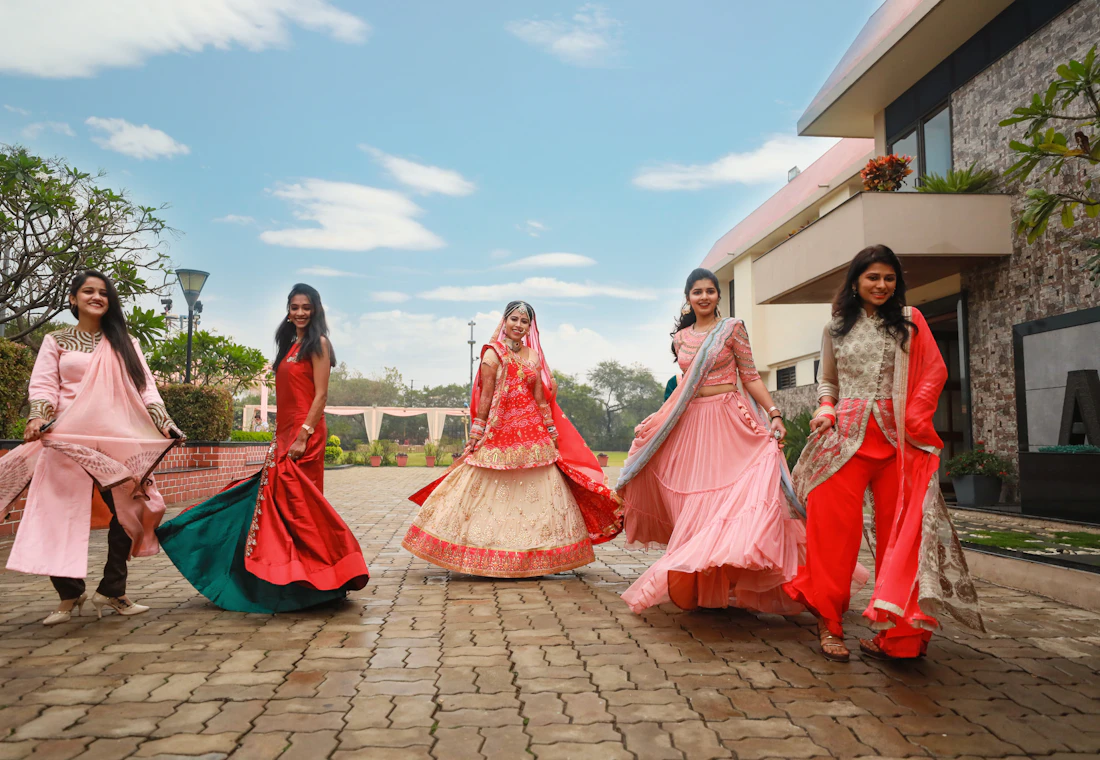
Women twirling in lehengas03
Sangeet & performancesStage, dance floor and rehearsals
A speaker on stage in a full auditorium04
Corporate eventsConferences, launches and award nights
A crowd at a concert with stage lights05
College festsFests, farewells and convocations
A family hugging at a festive gathering06
Family functionsFestivals, poojas and reunions

Gallery looks

A gallery that looks like your brand.

Pick a look, add your logo, and put it on your own domain.

  • Royal Velvet
  • Maharaja Maroon
  • Sage Linen
  • Blush Ivory
  • Ivory Silk

Questions photographers ask.

Do guests need an app?

No. Galleries and selfie search open in the phone browser from a link or a QR code.

Which cameras can upload directly?

Cameras with FTP transfer from Sony, Canon and Nikon have a guided setup. Cameras without Wi-Fi can use a USB cable.

How do clients choose album photos?

Send a selection link. They heart the photos they want and submit, and you see the list in the folder.

Can I use my own domain and watermark?

Yes. Connect your domain on a paid plan and set your watermark once for the whole account.

Is the CRM part of the same account?

Yes. Leads, quotes, schedule, invoices and galleries sit in one account.

Deliver your next event with ShareXtra.

Create an account, upload the photos and share the gallery today. The free plan needs no card.