
How to share wedding photos with every guest (without a WhatsApp group)
A simple way to get every guest their own wedding photos: one gallery, a QR code at the venue and a selfie search, with nothing to install.
Read articleEvents
How to share event photos with guests using one QR code at the venue: a live gallery, selfie search and nothing for guests to install.
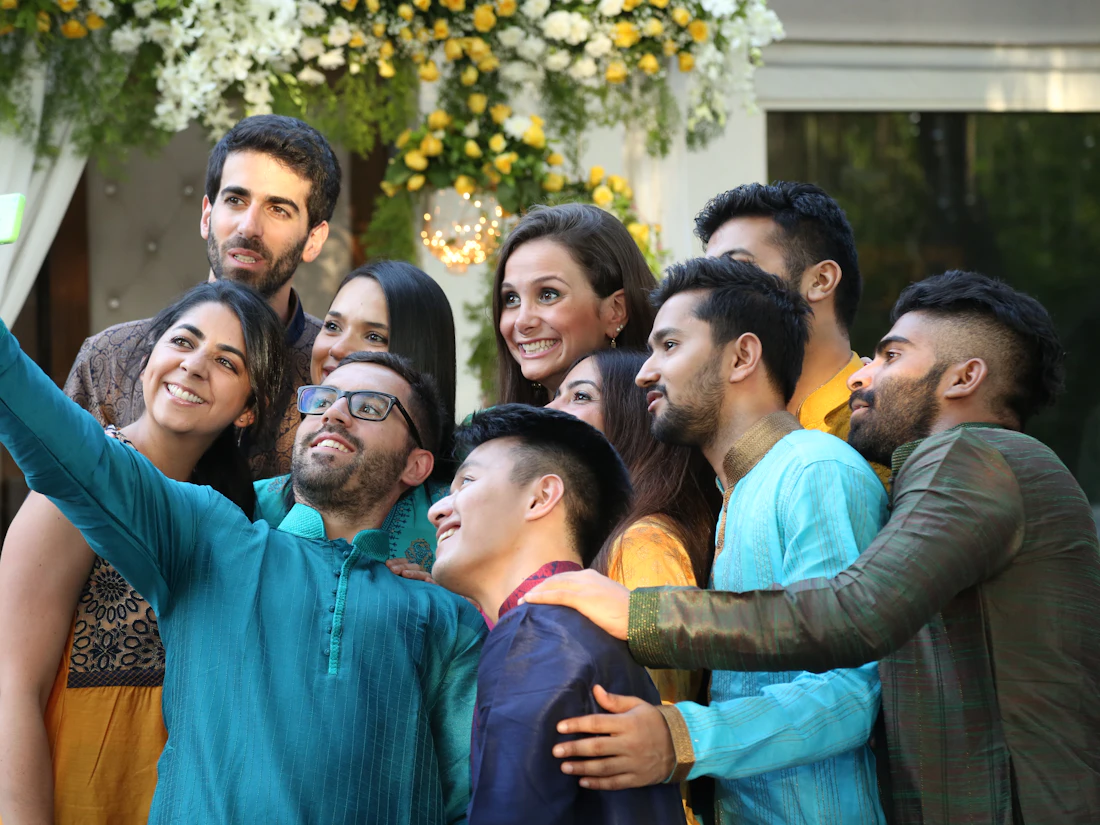
At most events the photos are great and the delivery is slow. Guests ask for pictures on the day, the photographer sends a folder a week later, and by then most people have stopped looking.
A QR code at the venue fixes the delivery. Guests scan it, the event gallery opens in their browser, and they take their photos home the same day.
A gallery of three thousand photos is hard to use. With AI face search, a guest takes one selfie on the gallery page and sees only the photos they appear in. For most guests this takes less than a minute, and it is the part they remember.
If the photographer connects their camera, each photo goes into the gallery as it is taken. Guests can scan the QR code during the event and already find their pictures. See how Camera to Cloud works with Sony, Canon and Nikon cameras.
The gallery can carry the event logo, colours and cover photo, and it can sit on your own domain. For a sponsored event, that keeps the sponsor visible every time a guest opens their photos.
Weddings and receptions, conferences, product launches, award nights, college fests and company offsites. Anywhere a photographer is shooting and guests want their pictures.
Keep reading
 Weddings
A simple way to get every guest their own wedding photos: one gallery, a QR code at the venue and a selfie search, with nothing to install.
Read article File sharing
Email attachments stop at a few megabytes. Here is how to send full-resolution photos, videos and whole folders with one link, a password and an expiry date.
Read articleCreate a free account and send your first gallery today. The free plan needs no card.