
How to share wedding photos with every guest (without a WhatsApp group)
A simple way to get every guest their own wedding photos: one gallery, a QR code at the venue and a selfie search, with nothing to install.
Read articleStudio CRM
What a CRM for photographers should do, from the first enquiry to the final invoice, and how to keep bookings next to the galleries you deliver.
A wedding or event studio runs on small pieces of information: who enquired, which dates they asked for, what you quoted, who is shooting on Saturday and which client still has to pay. In most studios these live in five places: a notebook, a chat app, a spreadsheet, a calendar and an invoice tool.
A photography CRM puts them in one place. This guide explains what a studio CRM is, what to look for, and how a booking moves through it.
CRM stands for customer relationship management. For a photographer it simply means one system that follows a client from the first enquiry to the final delivery and payment.
A general sales CRM is built around deals and pipelines. A studio CRM is built around events: an enquiry has an event type and dates, a booking has shoot days and a crew, and the job ends with a gallery and an invoice.
Most studios sell the same few packages again and again. Keep your packages and service prices in one list and drop them into a quote as line items. Save your terms, layout and branding as a proposal template, so every new quote starts ready to send with your logo and colours.
The job does not end when the quote is accepted. You still deliver photos, run album selection and collect the balance. When the CRM and the delivery tool are separate, you copy client details between them and lose track of which gallery belongs to which booking.
With ShareXtra the booking and its photos stay together: the same project holds the quote, the shoot days, the client gallery and photo picking and the invoice.
If you run a studio with second shooters, editors or a manager, add them as team members, assign them to shoot days and see their workload on the schedule.
You do not need to move everything on day one. Start by recording new enquiries as leads, send your next quote from a package, and add the shoot days once it is accepted. Within a few bookings the old spreadsheet stops being needed.
Keep reading
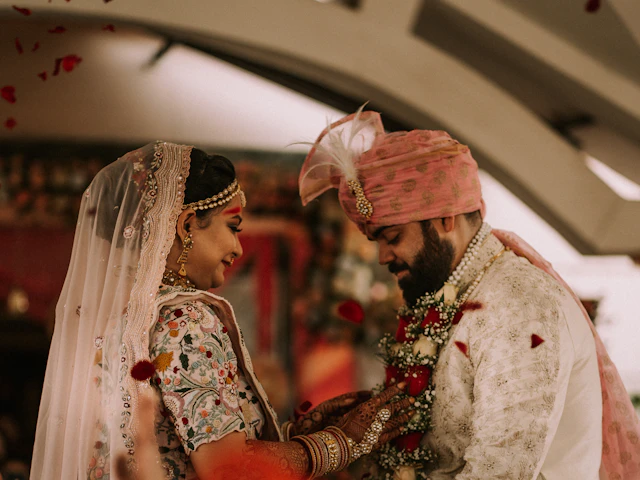 Weddings
A simple way to get every guest their own wedding photos: one gallery, a QR code at the venue and a selfie search, with nothing to install.
Read article File sharing
Email attachments stop at a few megabytes. Here is how to send full-resolution photos, videos and whole folders with one link, a password and an expiry date.
Read articleCreate a free account and send your first gallery today. The free plan needs no card.